glyphwise ocr

Image cleanup

Bad scans in, clean pages out.

Before Glyphwise reads a word, it repairs the page: phone photos are flattened, shadows evened out, sideways, upside-down and crooked pages set straight, and speckles and form lines cleared away. Every picture on this page is real output from the program you download.

A phone photo of an IRS Form W-4 lying at an angle on a dark desk, in uneven light
Your photo
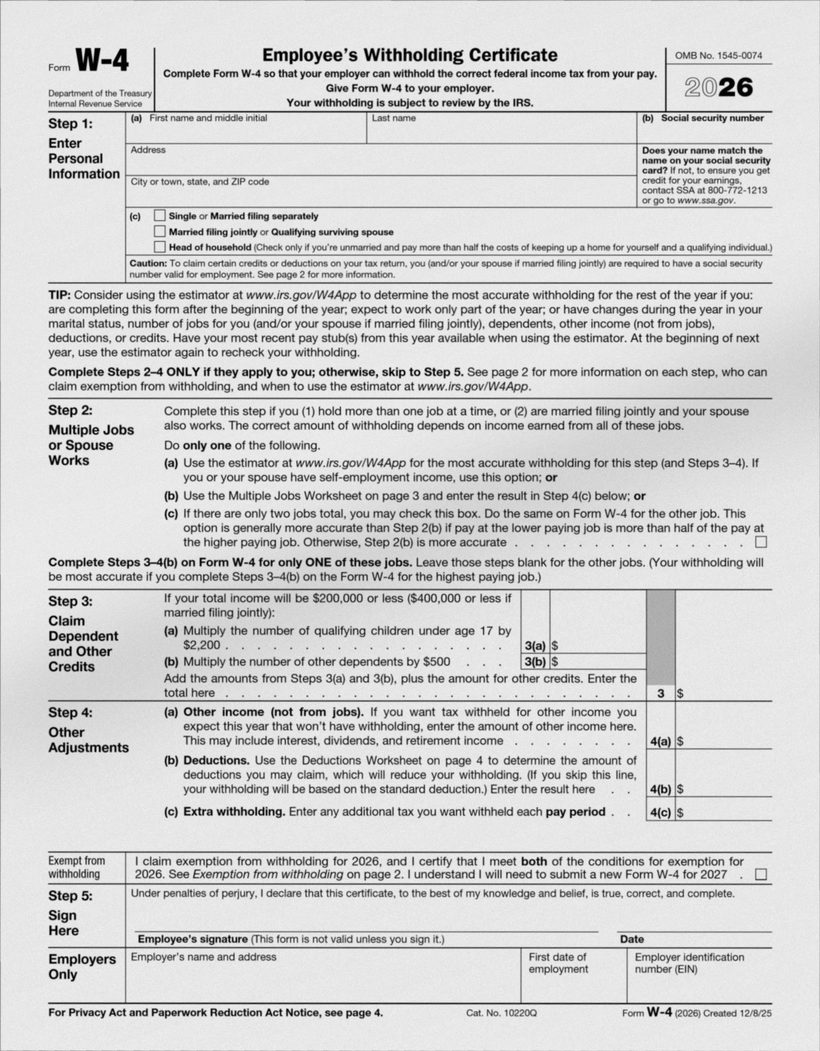
The same form cut out of the photo, squared up and evenly lit
What Glyphwise reads
  • 100%of 612 ordinary upright pages left exactly as they were
  • 99%+of sideways and upside-down pages turned the right way
  • 97.3%of words found on pages tilted 15°, against 3.3% without cleanup
  • 0settings to choose: each repair runs only when the page needs it

Step by step

What happens to your page, in order.

Each repair first measures the page and only acts when the measurement calls for it, so a clean upright scan goes through untouched, bit for bit.

Phone photos are flattened

A page photographed at an angle, lying on a desk, is found as a four-cornered shape, its edges fitted to the pixel, and stretched back into a straight-sided rectangle. The desk around it is cut away.

Runs when the page's border shows all round against a darker surface. Pages from a scanner, already square, are left alone.
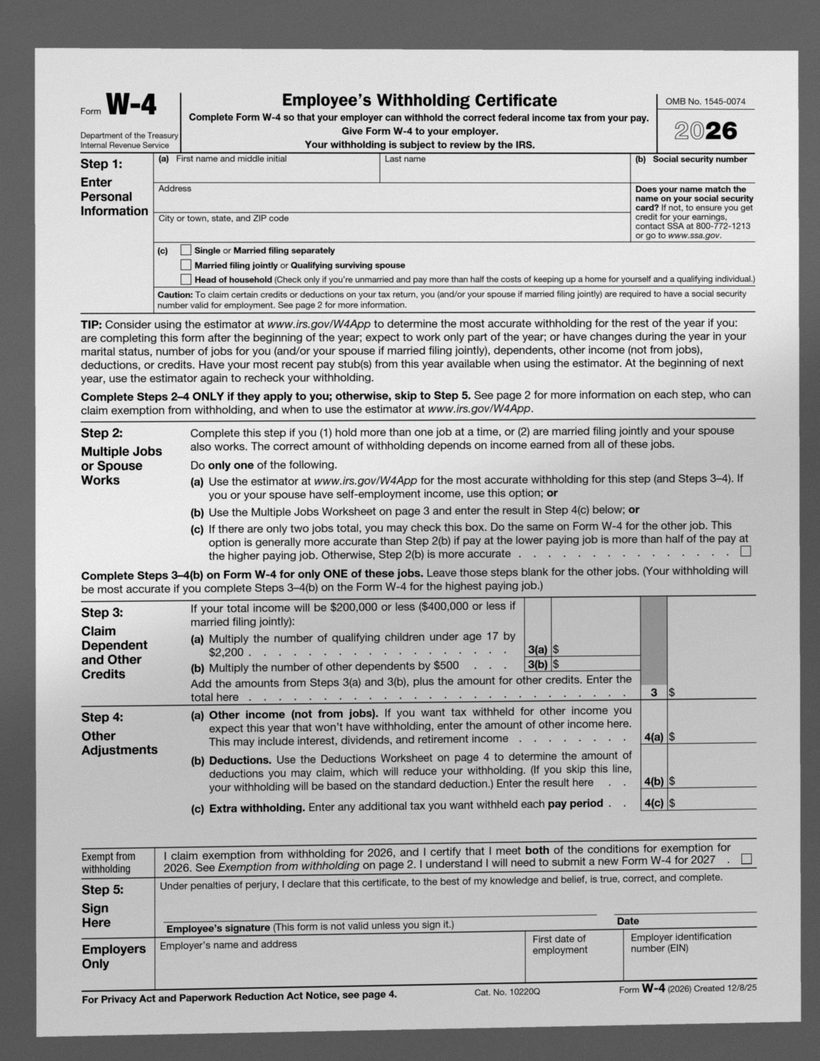
A W-4 form photographed at an angle on a dark surface
Before
The form cut out and squared up
After

Shadows and uneven light are evened out

A lamp to one side or the shadow of your hand darkens part of the page. Glyphwise estimates how bright the paper itself is everywhere and divides it out, so faint text in the shadow is as clear as text in the light.

Runs when the paper's brightness varies by more than 15% across the page.

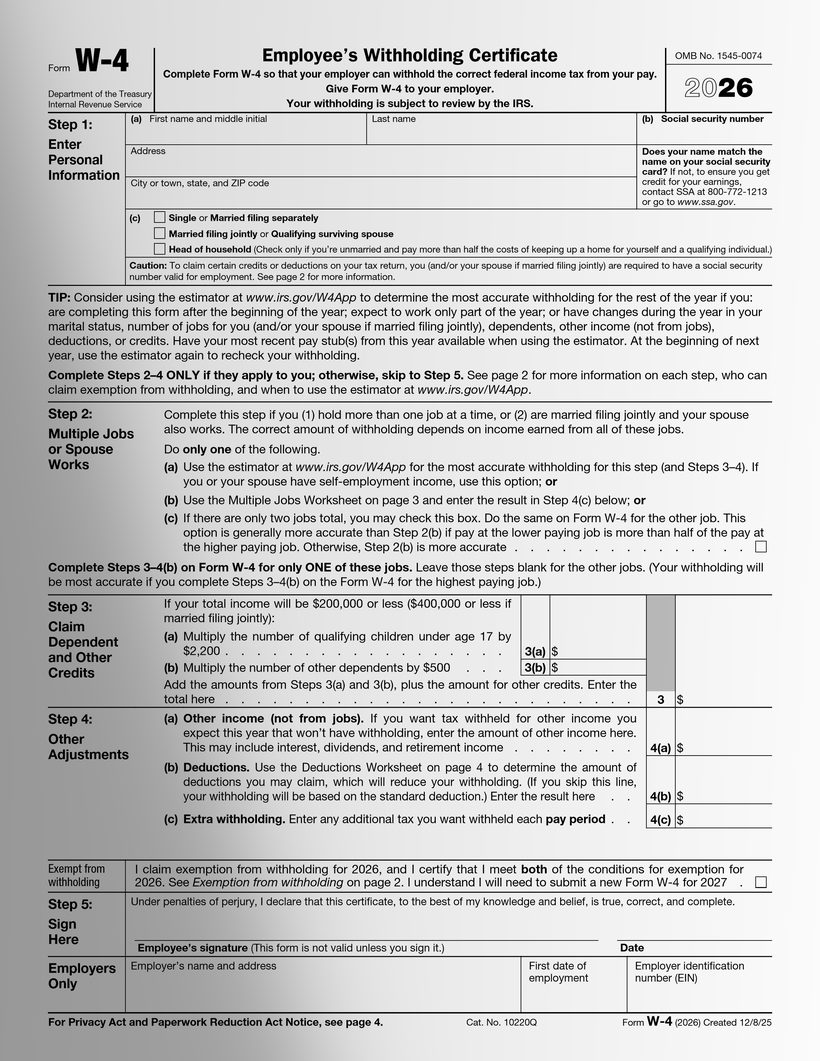
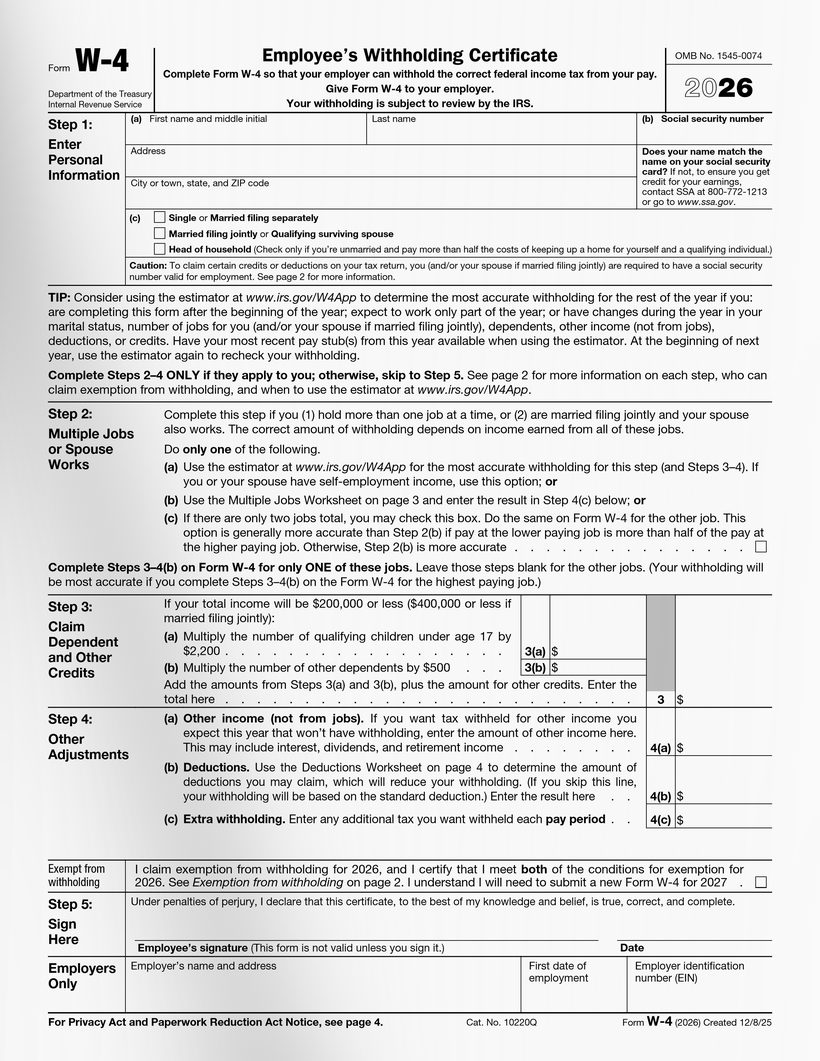
A form with a dark gradient and a soft shadow across it
Before
The same form with even white paper
After

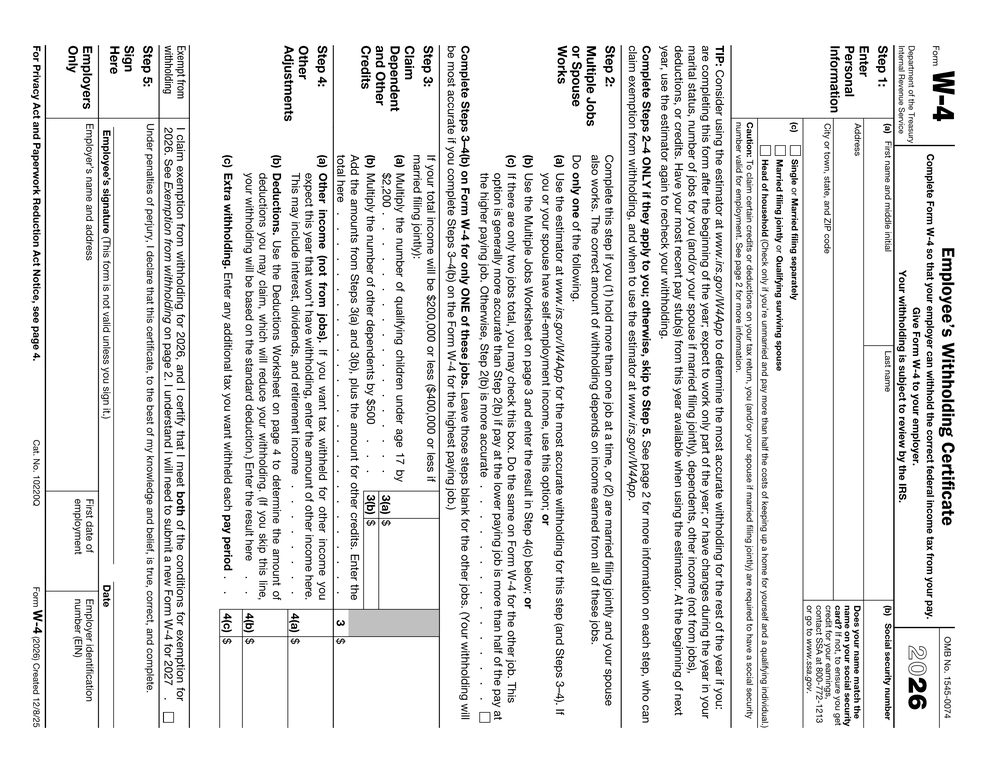
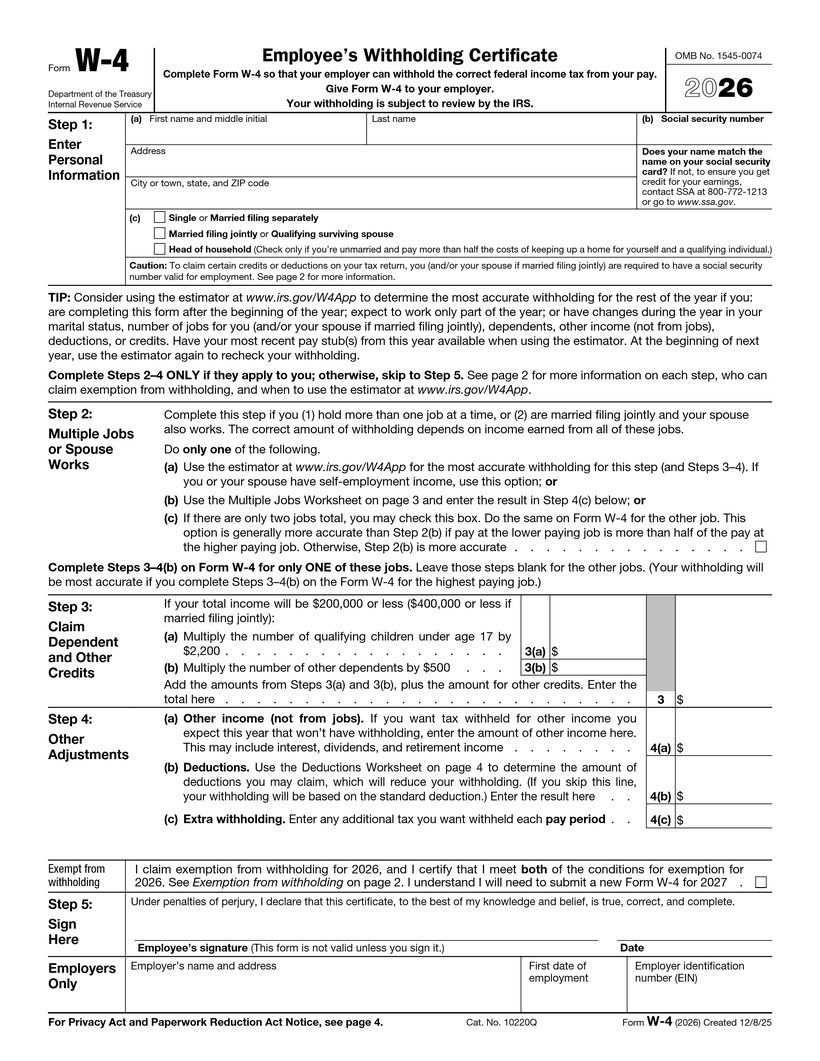
Sideways and upside-down pages are turned upright

The direction of the text lines is found from the page itself, and a page fed in sideways is turned a quarter turn without any loss of quality. To tell right way up from upside down, every line votes: capitals and tall letters rise above the line far more often than tails hang below it.

Your photo's orientation tag is honoured first. Columns of figures, which line up both ways, are checked against the direction of long pen strokes so a table is not mistaken for a turned page.

A W-4 form lying on its side
Before
The form turned upright
After

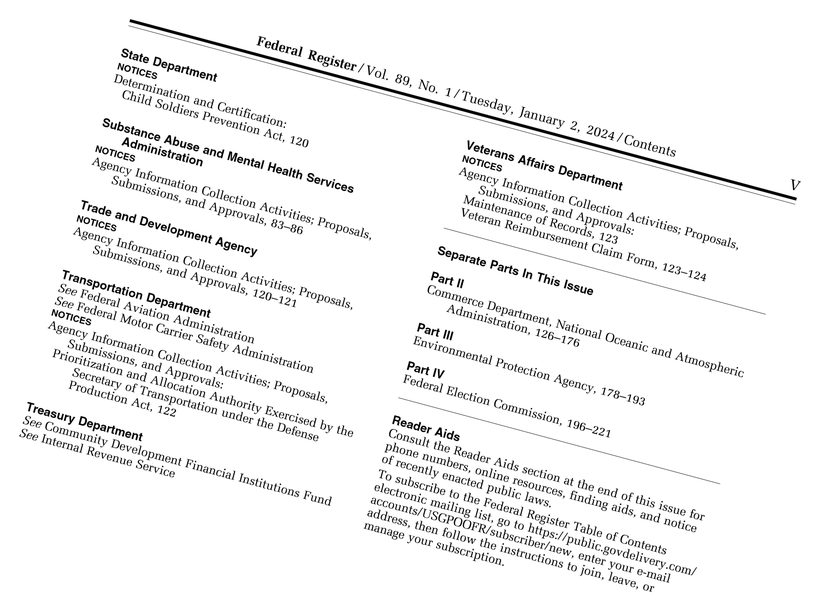
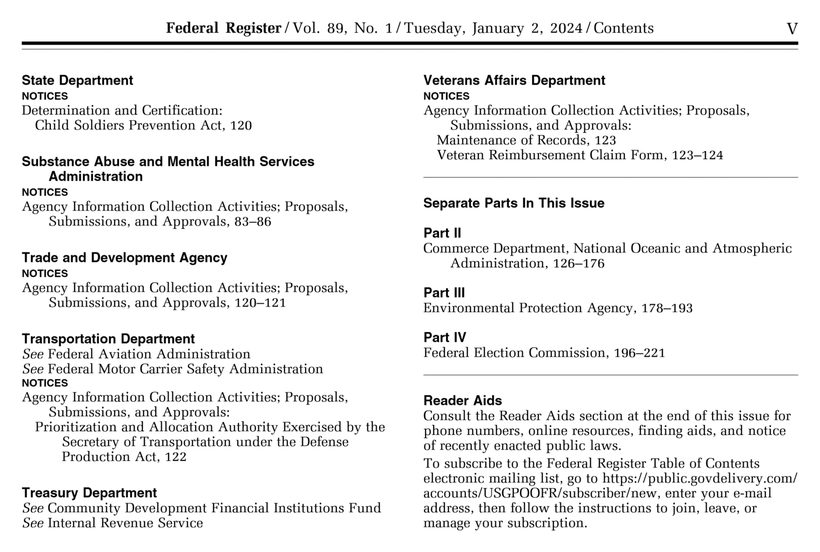
Crooked pages are straightened

A page that went into the feeder at an angle is rotated back until its lines run level. Large tilts are removed here; the last fraction of a degree is levelled again for each block of text just before reading.

Runs for tilts beyond about 6°; smaller ones are levelled in the reading stage below.

A Federal Register contents page tilted by 15 degrees
Before
The same page with its lines level
After

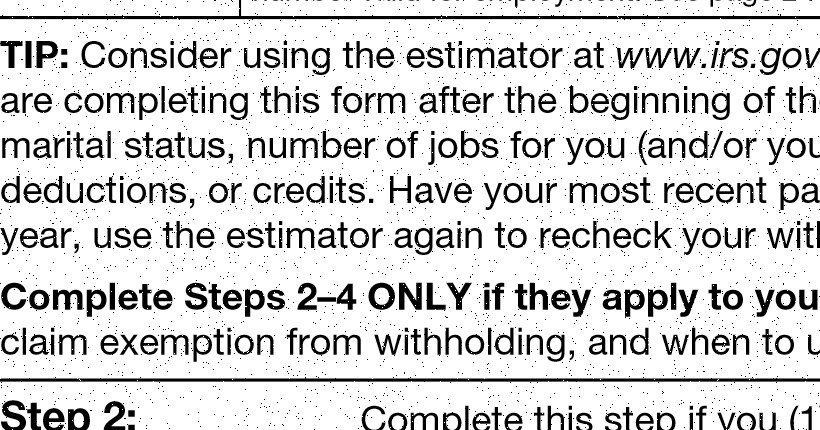
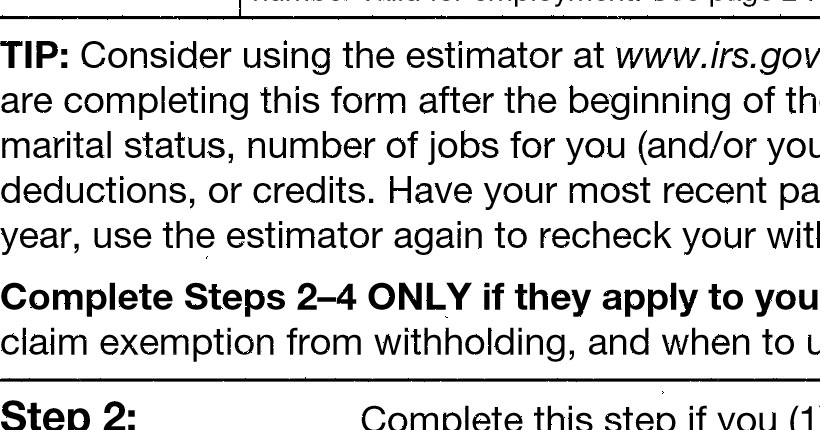
Speckles are removed

Fax lines, dusty scanner glass and old photocopies leave salt-and-pepper dots that look like full stops and commas to a reader. Isolated dots are replaced by their surroundings; real strokes are kept, because a stroke always has neighbours that match it.

Runs when isolated dots make up a measurable share of the page.

Close-up of form text covered in black and white speckles
Before close-up, actual size
The same text with the speckles gone
After

Getting ready to read

Then the page is taken apart into lines.

This second stage runs on every page. It prepares exactly what the recognizer saw in training, which is why it is never switched off.

Form lines are lifted out

Box edges, underlines, dashed rules and the tick marks of comb fields touch the letters around them and would be read as extra characters. They are found and erased before reading, and remembered: the lines they formed become the cell edges of tables, which is how tables reach Excel cell by cell.

Also in this stage: dark borders from the scanner lid are cleared, white text on dark bars is inverted, and light that varies across the page is flattened locally.

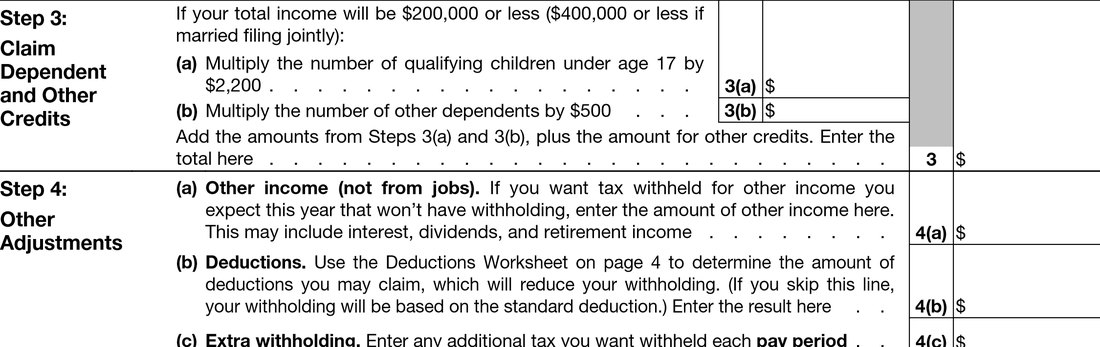
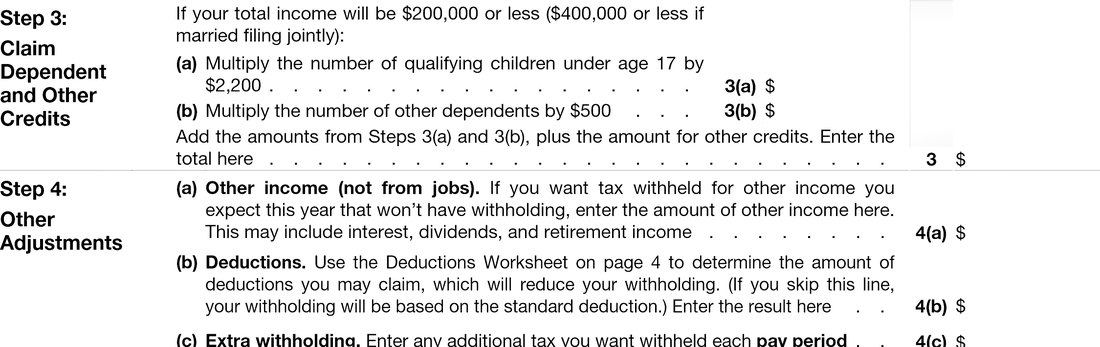
Part of the W-4 form with its box lines and shading
Before
The same part with the box lines and shading removed, text untouched
After

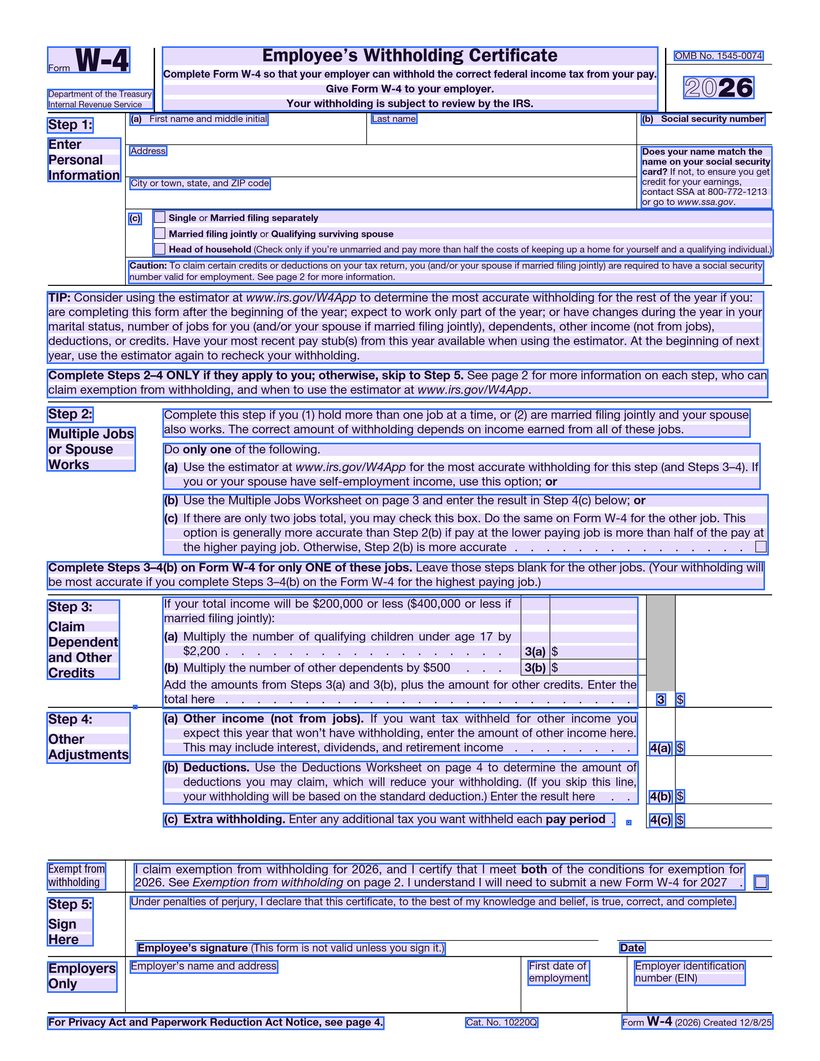
Blocks and lines are found

The cleaned page is cut along its blank gaps and ruled lines into blocks (columns, form boxes, headings) and each block into lines, in reading order. Tightly spaced lines are separated where their ink thins out, keeping the tails and tops of letters that reach into the neighbouring line.

Each line is then levelled, scaled to a standard height by its own letter size and handed to the recognizer. On this form: 54 blocks and 103 lines.

The W-4 form with a blue outline around each block of text and a purple band over each line
Blocks outlined in blue, lines shaded

Measured, not claimed

What the cleanup is worth.

53 pages from 27 public-domain documents the models never saw, damaged in each way below and read by the shipped model with the cleanup switched on and off.

The pages wereWithout cleanupWith cleanup
Upright, as scannedthe cleanup leaves them untouched97.6%97.6%
Photographed at an anglelying on a dark surface83.5%94.0%
In uneven lighta brightness gradient and a soft shadow90.7%97.6%
Turned a quarter turnfed in sideways3.2%97.6%
Upside down7.2%97.6%
Turned three quarterssideways the other way4.3%97.6%
Tilted 15°3.3%97.3%
Covered in specklessalt-and-pepper noise on 2% of the pixels62.2%90.1%

Words found (F1) against each page's own text, scored the same way as on the accuracy table. Turned and tilted pages are exact copies of the test pages turned or rotated; speckle noise covers 2% of the pixels; photographed pages are generated from the test pages (angle on a dark surface, uneven light), so their ground truth is exact. Turning direction measured separately on 612 pages turned each way: right on 99.2% (quarter turn), 99.3% (upside down) and 99.7% (three-quarter turn); none of the 612 upright pages was touched.

Your original stays yours

Repairs for reading, not for keeping.

Boxes on your originalEvery word box is mapped back through each turn, tilt and flattening, so it lands on the image you supplied, not on the repaired copy.
Nothing to tuneNo thresholds, no presets. Each repair decides from its own measurement of the page.
Off when you want--no-prepare on the command line skips the page repairs, for images you have already cleaned yourself.

Try it on your worst scans.

The free trial reads 3 pages per run with every repair switched on.